
目錄(8 節)

·
From test mode to real money: how paid usernames went live on defi.io
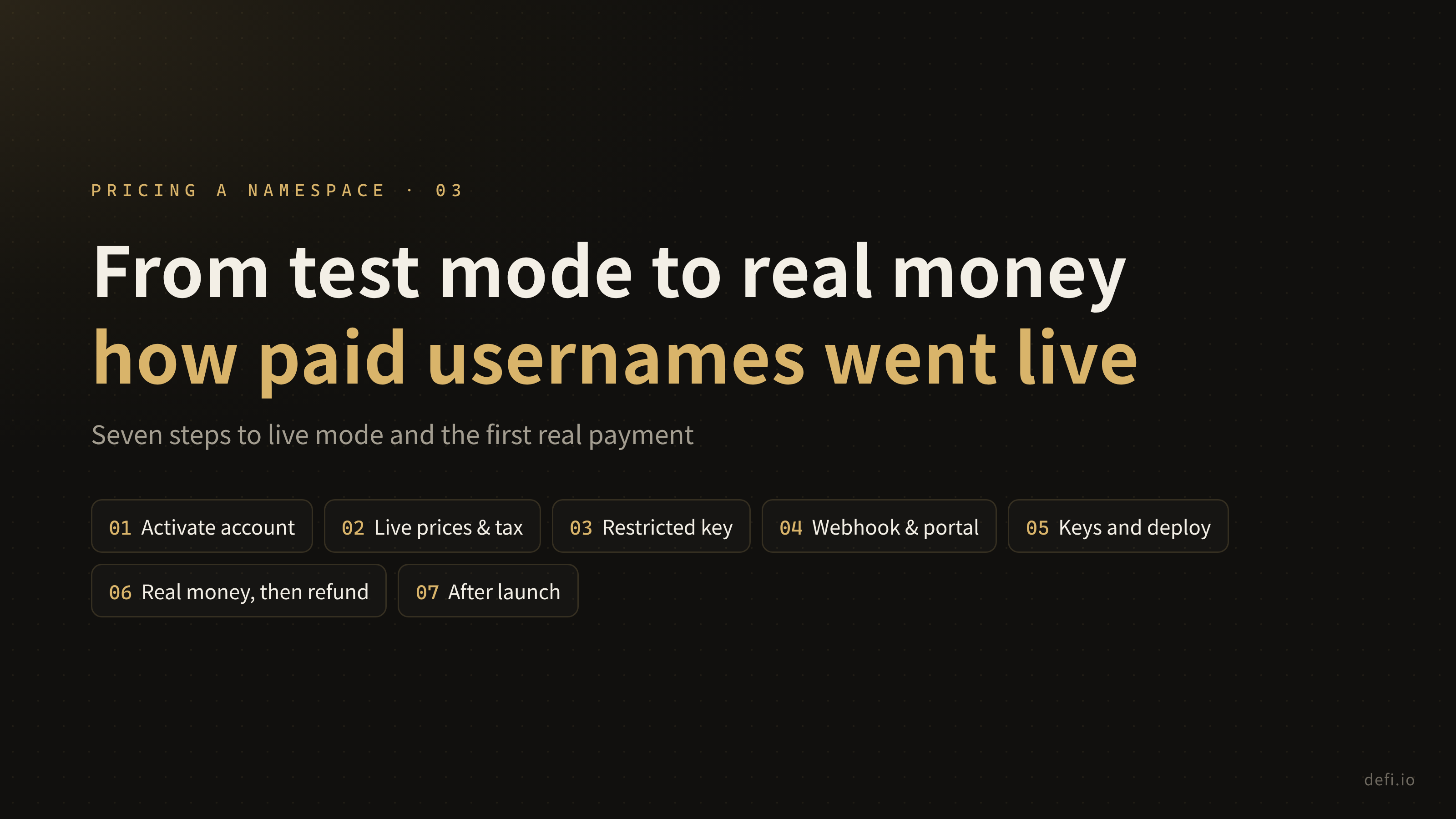
Seven steps from test mode to live mode, including a default setting that broke the first real payment, and a full $29 buy-then-refund check.
The first two parts covered pricing and the six steps of wiring up Stripe in test mode. This last part covers switching to live mode and taking the first real payment.
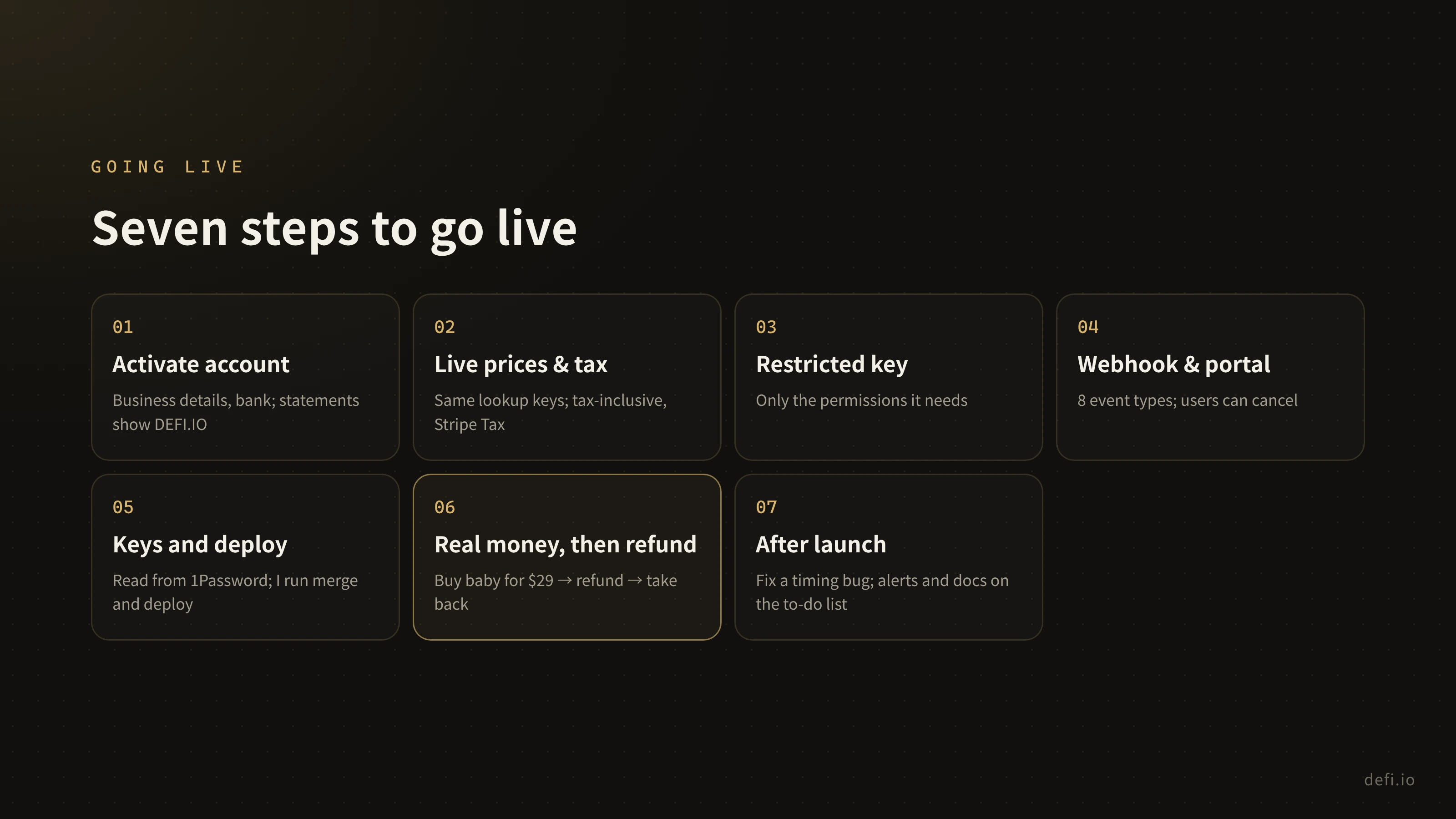
Going live took seven steps:
Step 1: Activate the account
Before taking real payments, Stripe asks you to activate the account: business details and the bank account for payouts. I set the statement descriptor to DEFI.IO, which is the name buyers see on their card statement.
Step 2: Create live prices and set up tax
Live mode got the same 5 products and 10 prices, with exactly the same lookup keys as test mode, so the code didn’t change.
Prices include tax: if you see $29, you pay $29. Stripe Tax does the calculation. Under Canadian rules I’ll need to register for GST/HST as revenue approaches CA$30,000, and then add the registration to Stripe.
Step 3: Create a key with only the permissions it needs
Instead of the all-powerful secret key, I created a restricted key with only what the code actually uses:
- Write: Checkout Sessions, Customers, Subscriptions, Customer Portal, Charges and Refunds
- Read: Prices, Invoices
- Nothing else
If the key ever leaks, there’s only so much anyone can do with it.
Step 4: Set up the webhook and the customer portal
The live webhook subscribes to the same eight event types as in test mode, and nothing more.
The customer portal is Stripe’s self-service page where people manage their subscriptions. I enabled exactly one thing: cancelling, effective at the end of the period. Switching plans is off, so there are no new edge cases from people bouncing between yearly and lifetime.
Step 5: Store the keys and deploy
The restricted key and the webhook signing secret both live in 1Password. At deploy time the server reads them from 1Password; they’re never in the code or in a config file.
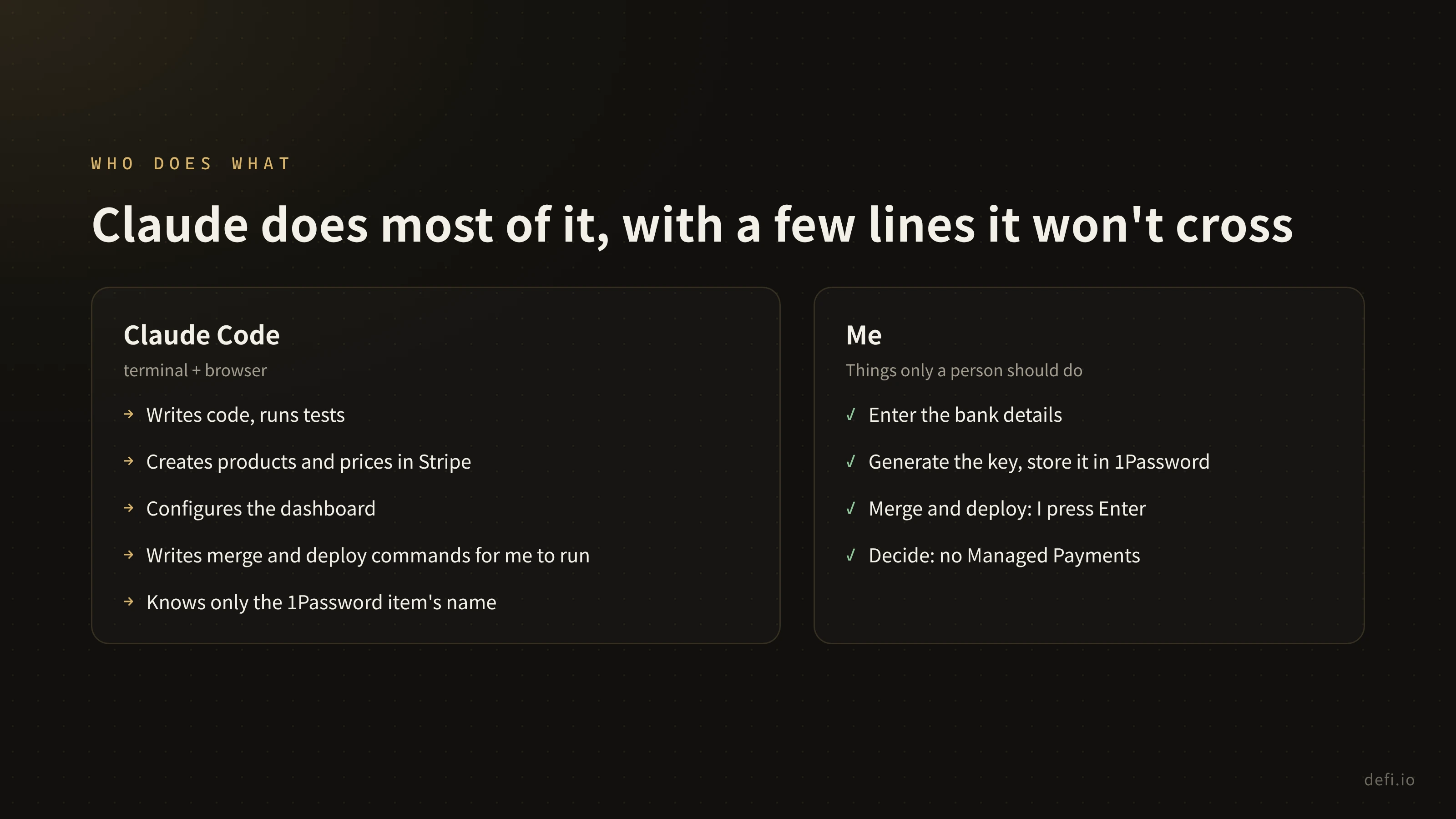
This step is also where the division of labor is clearest. From start to finish, Claude Code did most of the work in the terminal and the browser: writing code, running tests, creating products and prices in Stripe, configuring the dashboard. But there were a few lines it never crossed:
- Card numbers, bank details and key values never passed through it. I entered the bank details myself; I generated the key in the dashboard and stored it straight in 1Password. Claude only knew the name of the 1Password item.
- I pressed Enter on every merge and every production deploy. Claude’s auto mode blocks those actions, so it wrote the commands and handed them to me to review and run.
What I had to do came down to a few keystrokes, and the decisions a person should own stayed with a person.
Step 6: Buy one with real money, then refund it
With the deploy done, I went to buy the first name with my own card, and checkout failed immediately:
custom_text cannot be used with Managed Payments, which is enabled by default on your account
Managed Payments is a Stripe service where Stripe acts as the merchant of record and handles tax compliance worldwide, for roughly 3.5% extra per transaction. I’d looked at it during setup and decided against it, because it doesn’t support buyers in mainland China, and Chinese-speaking users are one of defi.io’s most important audiences.
The problem: I wasn’t using it, but it was on. When settings were copied from test mode to live mode, this account-level default came along. The fix was one line: tell Stripe explicitly, on every checkout session, not to use Managed Payments. From spotting it to having the fix live took a little over ten minutes.
Then I bought again: defi.io/baby, at the time a 4-character name at $29 a year. The payment went through and the name worked right away; opening it showed my page. Then I fully refunded the payment in the Stripe dashboard. The name was taken back automatically, defi.io/baby returned a 404, my page was back at defi.io/bob, and our webhook cancelled the subscription.
Payment, delivery, refund, take-back: the whole chain worked in live mode. From the moment I asked “should I use Stripe?” to this point took about five and a half hours.
A side note: since this is a DeFi product, I naturally wanted to accept stablecoins. Stripe does support stablecoin payments, but not yet for Canadian Stripe accounts, so that one has to wait.
Step 7: After launch
One small problem showed up after launch. A refund takes the name back first, and the subscription-cancelled event arrives a little later. The code skipped subscription updates for names that had already been released, so the admin page kept showing that subscription as active. It was fixed within the hour.
Everything else went on the to-do list:
- Email me on every new purchase, failed renewal, refund and dispute.
- Alert on failed webhook deliveries, so a paid-but-undelivered name is noticed within hours, not days.
- Write the Stripe setup into the deploy docs: key permissions, the 1Password items, Managed Payments staying off, and how to rotate keys.
Over those five and a half hours, the code went out as a series of small commits, each one matching a step in the flow:
Closing
Put the three parts together and the whole process comes down to three stages: decide what to sell and what not to; make buying, delivery and refunds complete in test mode and walk through them yourself; then at launch, check every default and walk through it again with real money.
The code was the fastest part. Claude made writing it take almost no time, which left the time for the things that need a person to think, click and decide.
Right now four-character names on defi.io cost $29 a year, and five or more are still free. That’s the end of the series. Thanks for reading.
轉發此貼文?
與您的關注者分享。
回覆