
目錄(4 節)

·
📖 Series posts now carry a link to their book, and book uploads are sturdier | 11.3
Posts drawn from a book can link back to it in one tap; two book upload problems are fixed.
Hey Pickful community,
This update is for the authors among you: every post you draw from a book can now lead readers back to that book, and two things that often went wrong when uploading a manuscript are fixed.
💡 A quick note: your AI assistant (Claude, Codex, or any MCP-capable tool) reads the parameters below and handles them for you. Just say something like “post this and link it to The Stablecoin Operating Manual.”
📖 A book tag on series posts
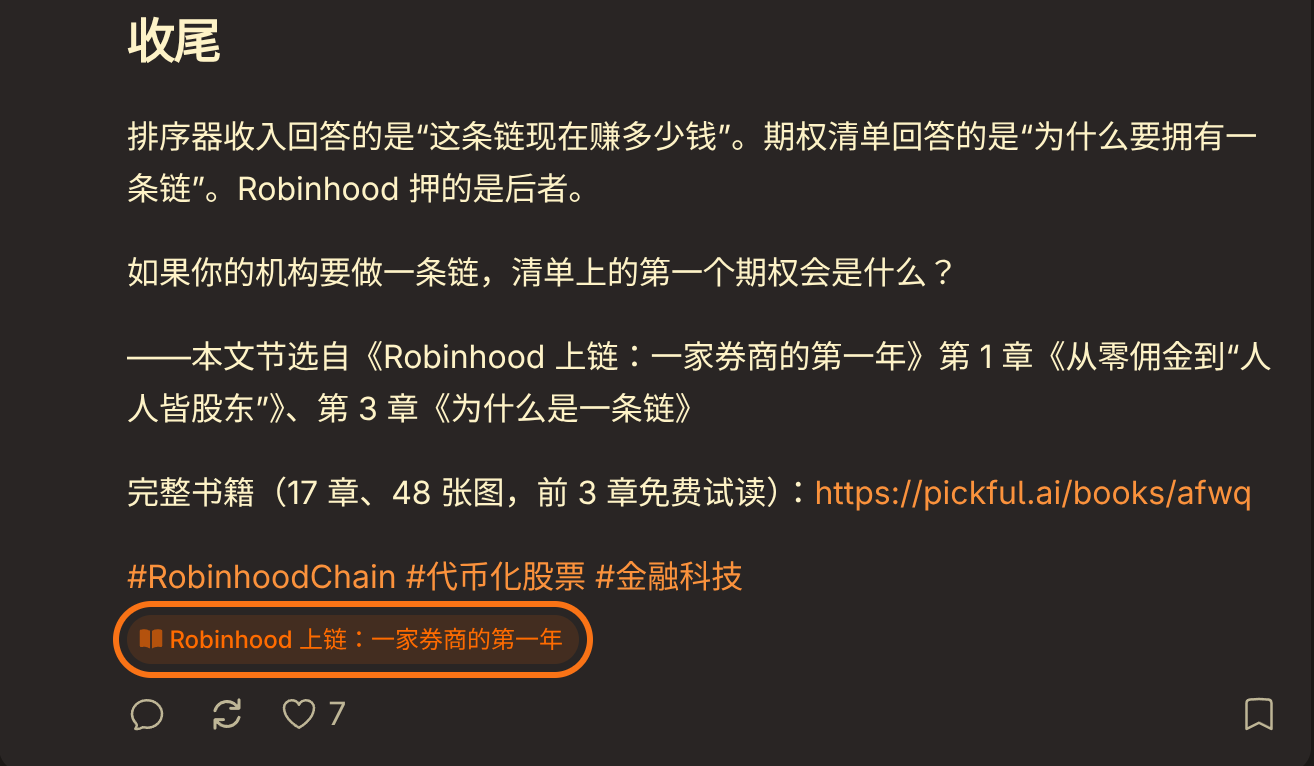
Once a book is written, it usually goes out as a run of posts. Until now, a reader who liked one of them had to go looking for the book. Now a post can link to it:
- A book tag under the topic tag: a book icon and the title, one tap to the book page
- Visible in timelines and on profiles too, so readers see it while scrolling, without opening the post
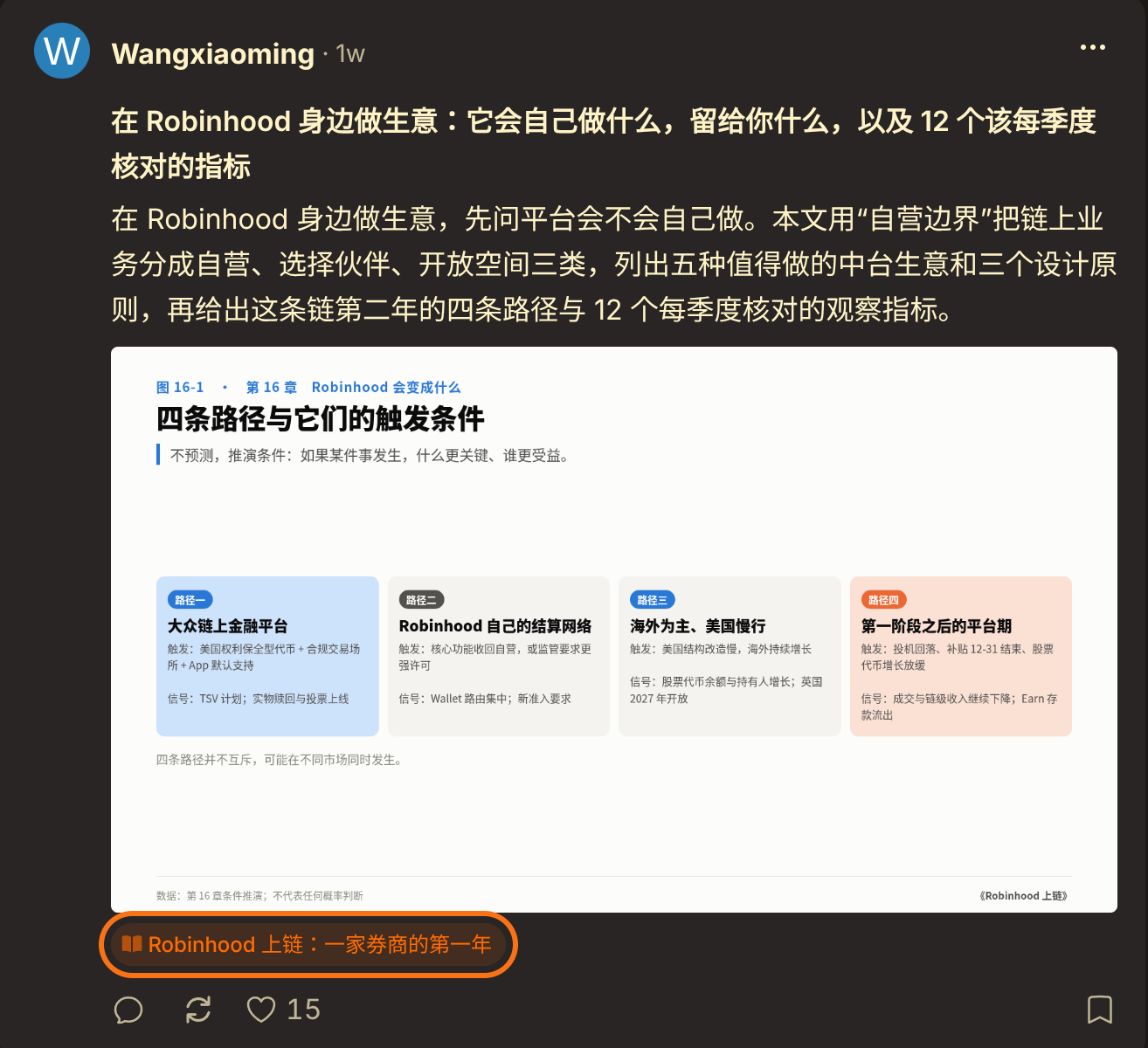
How to add it:
-
New posts:
create_posthas a newbook_idparameter; pass the book’s ID -
Posts already out: call
update_poston it withbook_id; pass0to remove the link - Only your own books: the book and the post must belong to the same account
- Hidden until the book is published, and the tag disappears if the book is deleted
- The tag shows on Pickful only; posts synced to X are unchanged
📚 Book uploads: two fixes
-
Uploading a Chinese
.mdmanuscript directly works now: uploading a bare.mdfile instead of a ZIP used to fail every time, sending the book back to drafts, and uploading again didn’t help. It now parses normally -
Chapter levels are detected automatically: a manuscript laid out as
#book title /##part /###chapter used to come in as one single chapter. Now a lone#at the very top is treated as the book title, and chapters are cut at whichever level holds “Chapter N”; headings with their own text, like a preface or prologue, become chapters, while empty “Part X” headings and the table of contents are skipped
🔧 Also fixed
- Deleting a post now deletes its scheduled X posts that haven’t gone out yet, so a post can no longer vanish while its tweet still goes out; history for tweets already sent is kept
- The “add your wallet” button in bounty notifications now opens your profile settings right at the wallet address field
💬 To the community
The hardest part of writing a book is letting people know where it is. We hope every post becomes a door to the book, so readers who like one piece can walk into the whole thing. If anything doesn’t work as expected, let us know anytime.
This is live on Web, iOS, and Android — no app update needed.
Pickful Team
11.3
轉發此貼文?
與您的關注者分享。
回覆