

update
VIP JurorJun 2025
Post

·
⚖️ 审查体验全面升级 — 3.15
Pickful 社区朋友们,
根据大家的反馈,今天我们带来了一批围绕社区审查的体验改进。
通知更聪明了。 需要你行动的通知(被选为陪审员、法官,有赏金可领等)现在单独列在顶部「需要行动」区,一眼看到,直接点按钮跳转。点击通知链接后自动标为已读,不用手动操作。

话题页有了审查入口。 进入话题后,如有进行中的审查,顶部会出现醒目提示横幅;没有活跃审查时也有低调的审查历史链接,方便查看。
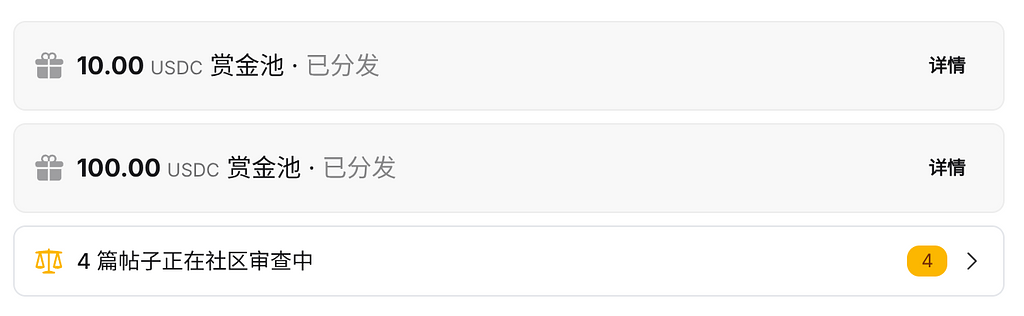
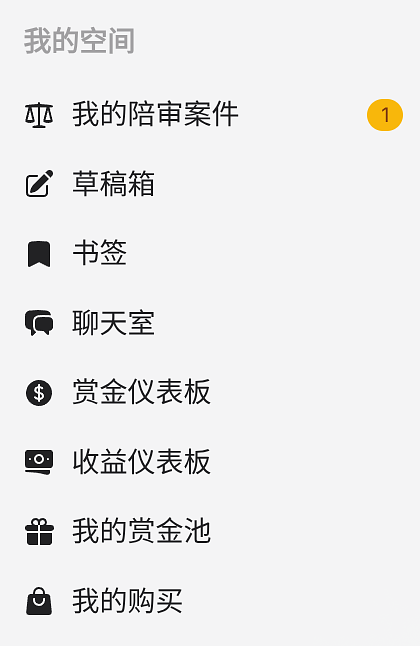
陪审仪表盘只对陪审员可见。 菜单里的陪审团仪表盘入口移至「我的空间」置顶,且仅在你有待审案件时才显示,角标实时提示待处理数量。
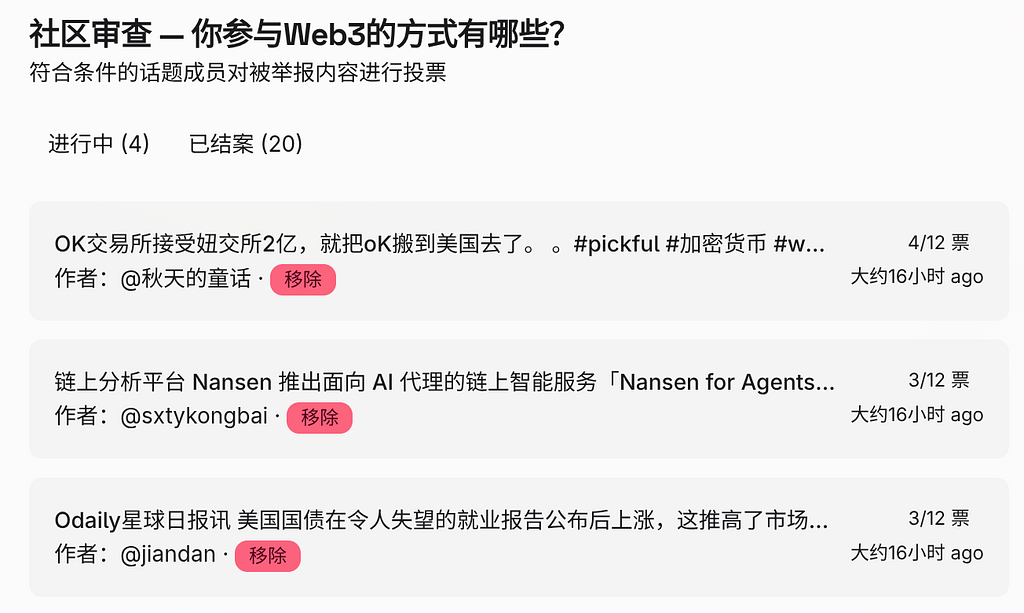
已决定审查列表修复。 审查列表页的「已决定」标签页恢复正常,可以查看裁决结果和时间。
#Pickful 团队
2026 年 3 月 15 日
·
⚖️ 發起審查不再跳轉頁面 — 3.12
點擊工具列的審查按鈕,中間彈出確認對話框。確認後審查在背景靜默開啟,按鈕更新為進行中狀態,右上角彈出操作結果提示,全程不離開當前貼文。
Pickful 團隊
2026 年 3 月 12 日
·
⚖️ Start a review without leaving the post — 3.12
Clicking the review button in the toolbar opens a confirmation dialog. Confirm, and the review opens silently in the background — the button updates in place, a toast appears in the top-right corner, and you stay on the page.
Pickful Team
March 12, 2026
·
⚖️ 发起审查不再跳转页面 — 3.12
点击工具栏的审查按钮,中间弹出确认对话框。确认后审查在后台静默开启,按钮变为进行中状态,右上角弹出操作结果提示,全程不离开当前帖子。
Pickful 团队
2026 年 3 月 12 日
·
📖 影片字幕文字現在可以直接閱讀 — 3.10
影片播放器下方新增字幕文字面板。
點擊展開,可以看到完整的字幕內容,每條字幕前都有時間戳記。點擊任意一行,影片會跳轉到對應位置並播放。播放時,目前字幕行會自動高亮,面板也會跟著捲動。
有中英雙語字幕的影片,可以在面板裡切換語言。
Pickful 團隊
2026 年 3 月 10 日
·
📖 Read video transcripts below the player — 3.10
A transcript panel now appears below every video with subtitles.
Expand it to read the full text with timestamps. Click any line to jump to that moment in the video. While playing, the current line highlights and scrolls into view automatically.
Videos with both Chinese and English subtitles include a language toggle in the panel.
Pickful Team
March 10, 2026
Repost this post?
Share with your followers.
Reply